mcpx
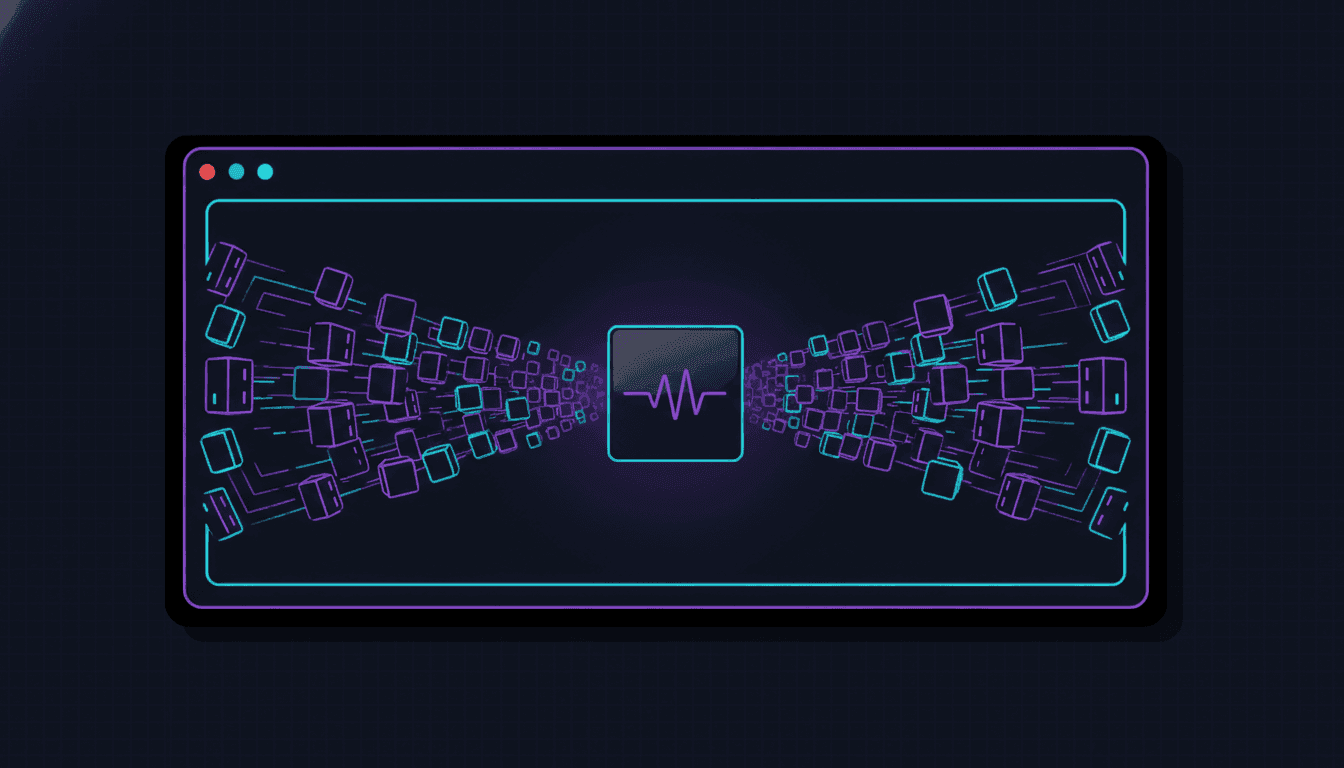
A secure gateway for MCP servers — from CLI to production. Wrap any MCP server into a CLI command with security policies, audit logging, and scoped daemon isolation, so teams adopt MCP with confidence.
Tech Stack
The control plane between agents and MCP
MCP is how AI agents talk to tools — databases, code search, messaging, the lot. But connecting an agent directly to MCP servers is great in a demo and scary in production. mcpx sits in the middle: it wraps any MCP server into a CLI command with security policies, audit logging, and scoped daemon isolation.
Three problems mcpx fixes
MCP servers have three problems the moment you move past a single laptop.
1. Context cost
Loading MCP servers natively costs 50–100K tokens per session — before any work starts. mcpx calls tools on demand via the shell, so the upfront cost is zero.
2. No security
Every MCP tool call is unrestricted. An agent connected to a Postgres MCP can DROP TABLE as easily as SELECT — no authorization, no policy, no audit trail. mcpx adds the missing layer with declarative policies:
1# .mcpx/config.yml — block SQL mutations
2security:
3  policies:
4    - name: no-mutations
5      match:
6        tools: [query]
7        content:
8          target: args.sql
9          deny_pattern: "(?i)\\b(INSERT|UPDATE|DELETE|DROP|TRUNCATE)\\b"
10      action: deny
11 message: 'Mutation queries blocked'3. Multi-server management
A code-search MCP needs different rules than a database MCP. And two developers on different projects shouldn't have interfering daemons. mcpx gives each server its own security profile and scoped, isolated daemons — read-only here, editing-with-guardrails there.
Install
Why it's built in Go
A control plane in the hot path of every agent tool call has to be fast and trivial to deploy. Go gives a single static binary — no runtime, no dependency tree — that drops onto a laptop or a CI runner identically. The result is a gateway you can adopt incrementally: start by wrapping one server on your machine, end with policy-enforced MCP in production.
Status
Active — Go 1.24+, MIT licensed, available via Homebrew and go install. Full docs at codestz.github.io/mcpx, with a companion examples repo.